← Back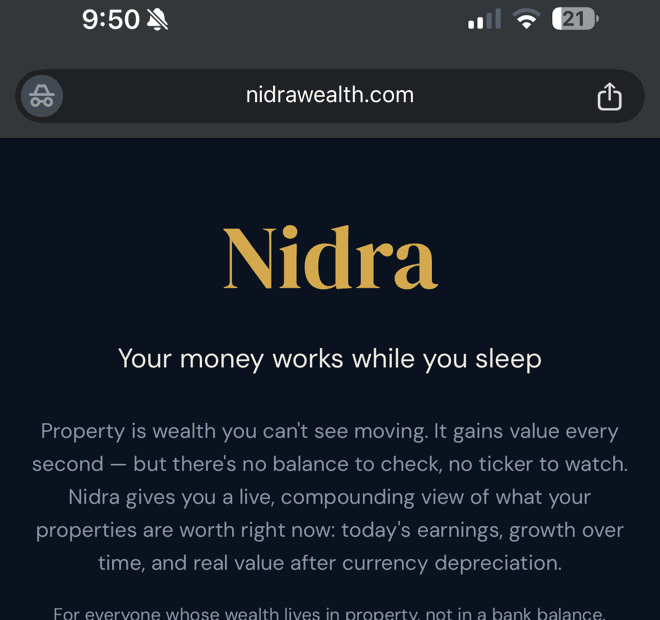
Install Nidra on your phone
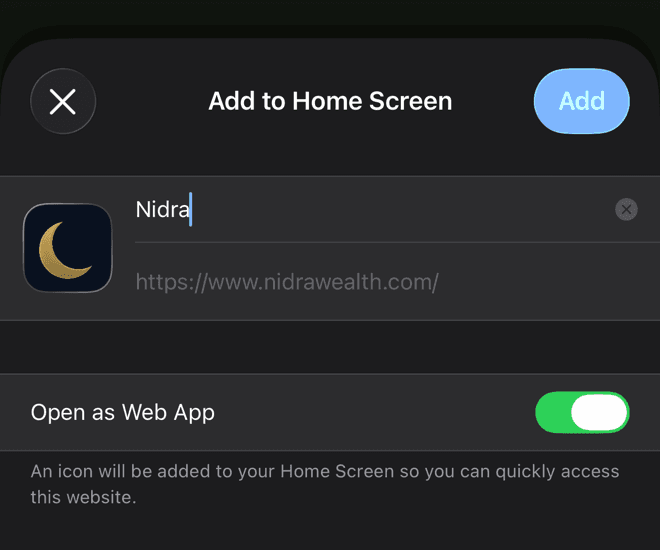
Add Nidra to your home screen so you can open it quickly. No app store is needed.
On iPhone
The steps are similar in Safari and Chrome. The Share button is in a different place.
1
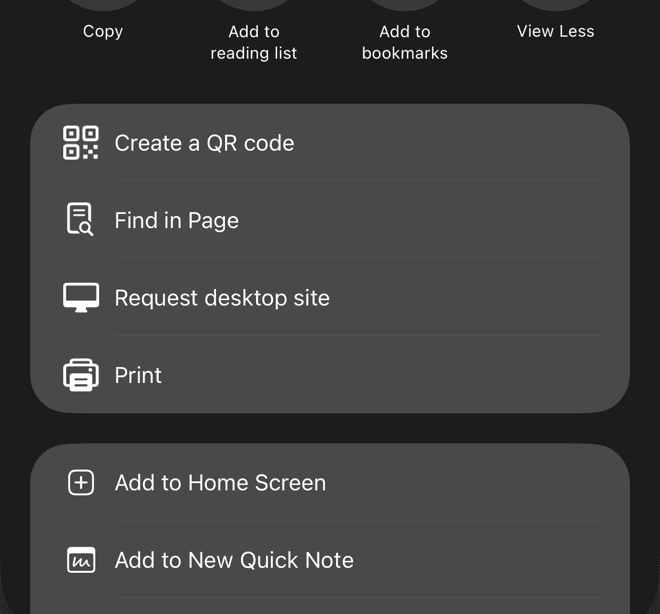
Open nidrawealth.com and tap the Share button
In Chrome it is at the top right of the address bar. In Safari it is at the bottom centre. Look for the square with an arrow.
On Android
- 1Open nidrawealth.com in Chrome
- 2Tap the ⋮ menu at the top right
- 3Tap “Add to Home screen” (on some phones it says “Install app”)
- 4Tap “Add” to confirm
💡 Signing in from the installed app? When the email arrives, type the 8 digit code on the sign in screen instead of tapping the email link. The link opens in your browser, not in the app.